Tracking and results
Understand opens and clicks
Read results without mistaking them for replies.
Updated 6 October 2026
Steps
0 of 4
Worth knowing
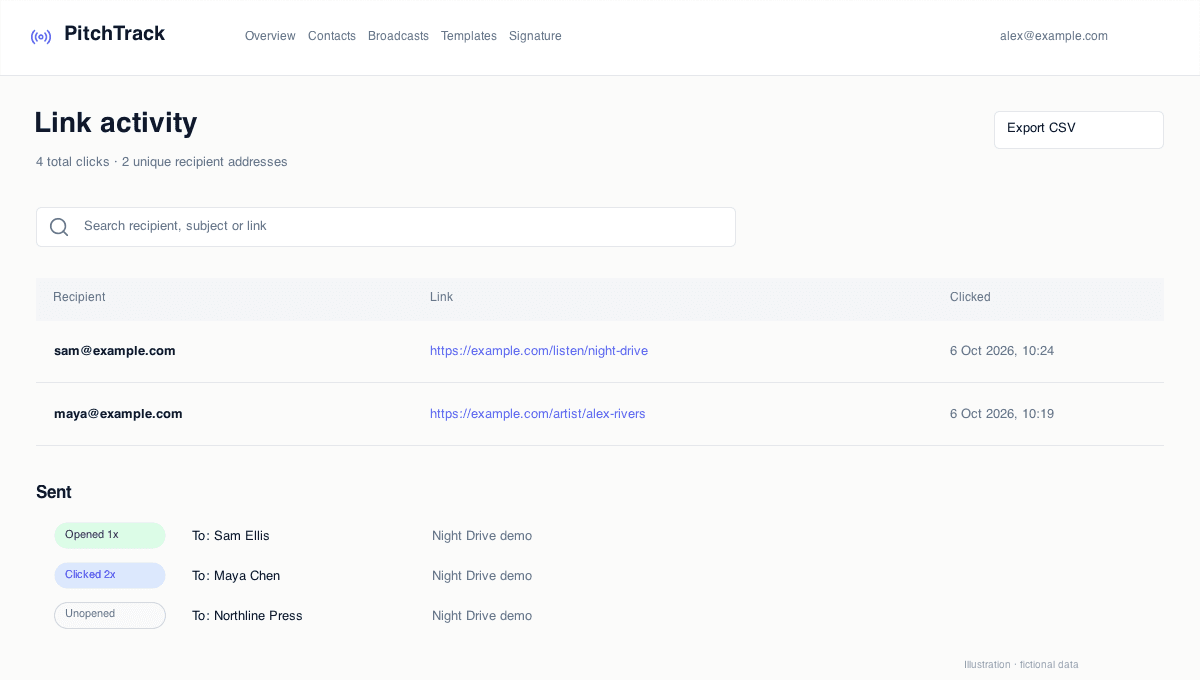
- Opened means the email's tracking image was loaded. It does not guarantee someone read the message.
- Clicked means a tracked link was requested. Email safety checks can also do this.
- Gmail and Apple privacy tools cannot always be distinguished from a genuine reader. PitchTrack filters some known automated activity, not all of it.
- Click tracking is a Pro feature. Ordinary website links are tracked automatically on eligible tracked sends; you do not need to add each one with the Tracked Link tool.