PitchTrack/Help Center/Fix untracked emails or missing opens
Back to Help Center
Tracking and Reports

Fix untracked emails or missing opens

Simple troubleshooting for missing tracking events.

Who this is for

  • Users seeing missing opens/clicks in reports.
  • Teams validating if issue is setup or inbox behavior.
  • Support admins collecting clear evidence before escalation.

Before you start

  • Use a new test email, not old campaign history.
  • Write down time, recipient inbox type, and browser used.
  • Confirm you enabled tracking before sending.

Step-by-step workflow

  1. Send a fresh tracked test email to a test inbox.
  2. Open it, load images, and click one tracked link.
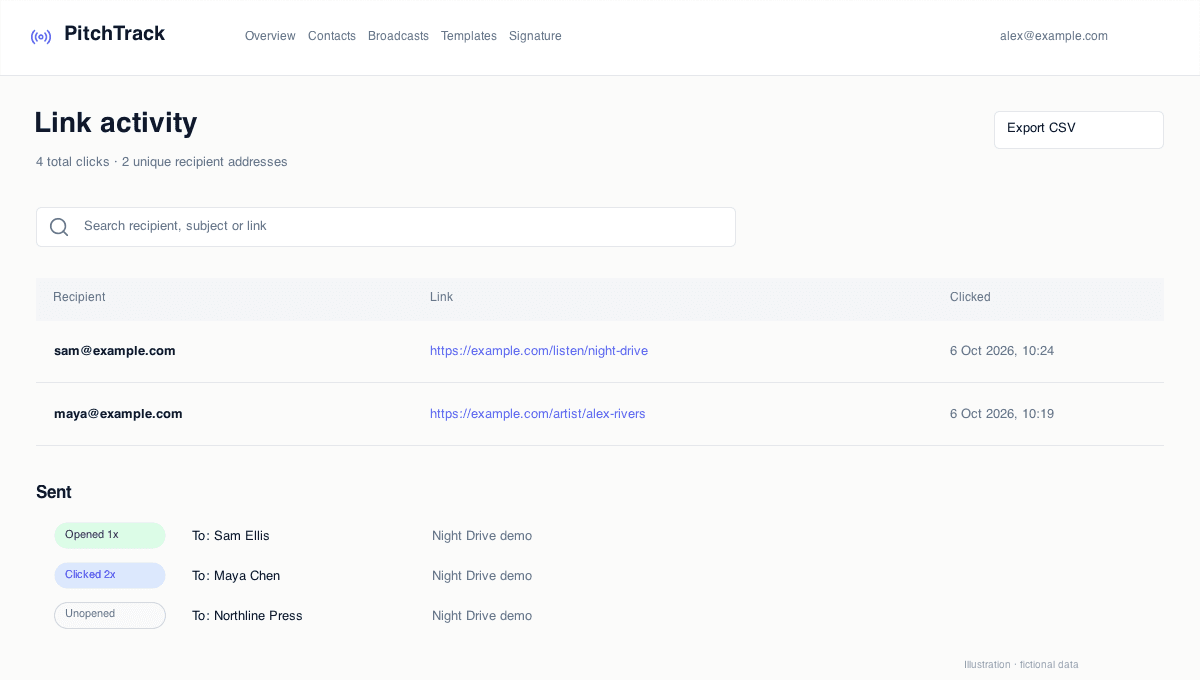
  3. Check Overview and Click Report for events.
  4. If missing, reconnect Google and repeat once.

How to verify success

  • Events appear for the controlled test.
  • You can reproduce the issue or confirm it is fixed.
  • You have clean steps if support escalation is needed.

Common mistakes / troubleshooting

  • Image blocking in inbox can hide open events.
  • Raw links (not tracked links) will not show click events.
  • Old/stale auth sessions can cause tracking issues until reconnect.

What to do next

  • Add a pre-send tracking checklist for campaigns.
  • Escalate unresolved issues via Contact Support with screenshots and timestamps.