PitchTrack/Help Center/Launch a broadcast from start to finish
Back to Help Center
Contacts, Templates, and Broadcasts

Launch a broadcast from start to finish

Send a campaign safely and review what happened.

Who this is for

  • Users sending their first real broadcast.
  • Teams that need a simple launch checklist.
  • Managers who want fewer campaign mistakes.

Before you start

  • Use clean contact groups and a tested template.
  • Check all links and merge tags before launch.
  • Pick a safe send rate, especially for new campaigns.

Step-by-step workflow

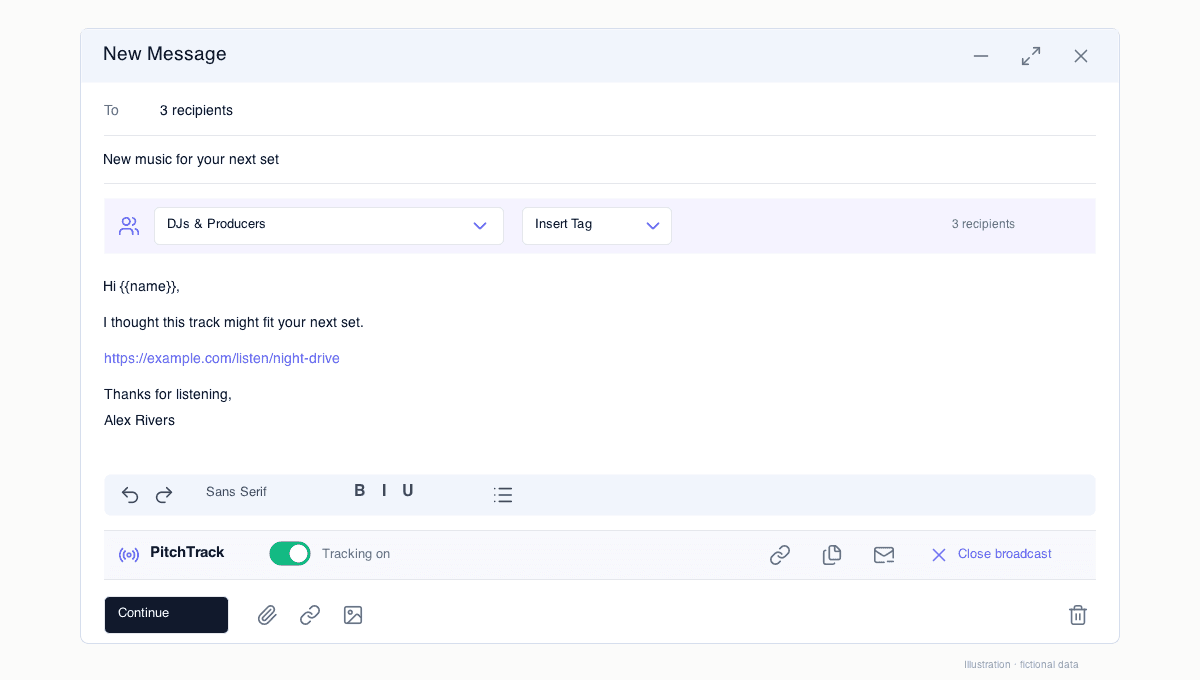
  1. Open Broadcasts and create a campaign.
  2. Select audience and template.
  3. Set send rate and launch.
  4. Watch status and open reports after sending starts.

How to verify success

  • Campaign status moves correctly to active/completed states.
  • Recipient outcomes appear (sent/failed/etc.).
  • Open/click activity starts showing in reports.

Common mistakes / troubleshooting

  • If campaign pauses, lower rate and retry safely.
  • If failures are high, review list quality and template links.
  • If data is missing, rerun a seed test and reconnect auth if needed.

What to do next

  • Follow up clickers first.
  • Review no-click group and improve message angle.
  • Document results before next campaign.