Who this is for
- Users moving from spreadsheets to PitchTrack contacts.
- Teams that need cleaner lists before campaign sending.
- Anyone who wants better targeting and fewer wrong sends.
Before you start
- Clean your list for duplicates and obvious bad emails.
- Pick simple group names (Labels, DJs, Press, Promoters).
- Decide what notes you want to store for each contact.
Step-by-step workflow
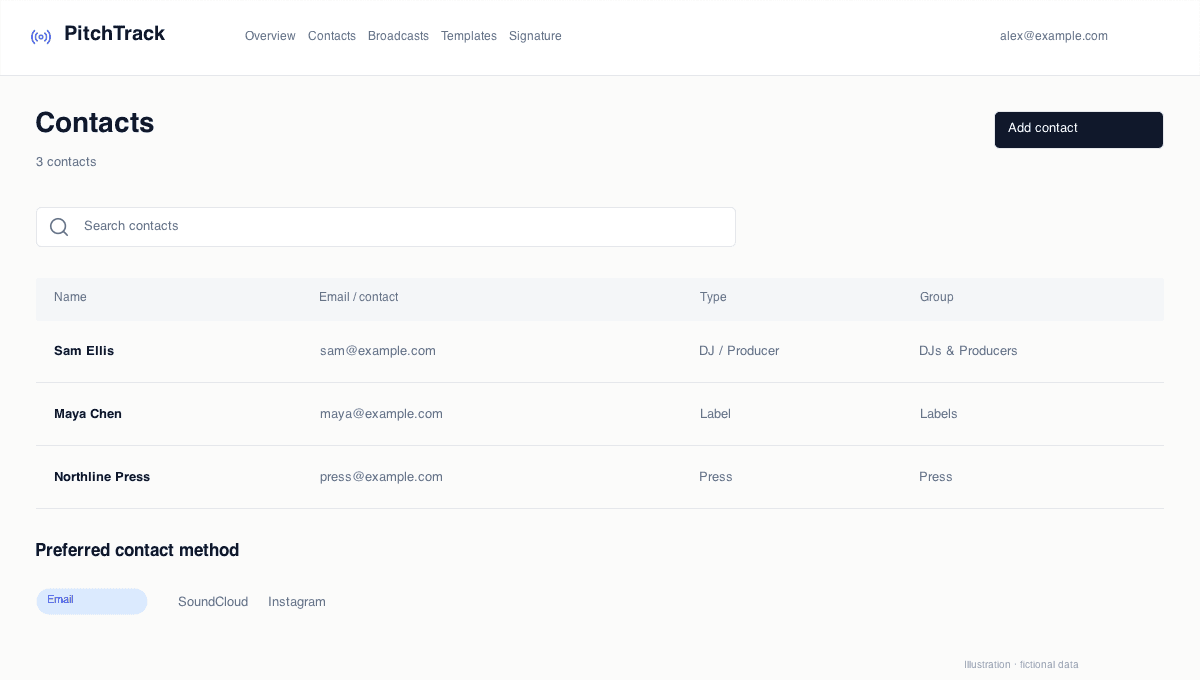
- Open Contacts.
- Create groups you will actually use during campaigns.
- Import contacts and fix invalid rows.
- Add useful notes (relationship context, last contact, priority).
How to verify success
- Each contact is in at least one useful group.
- Duplicate contacts are removed.
- You can quickly filter the list by group and use it in campaigns.
Common mistakes / troubleshooting
- If imports fail, check CSV format and required columns.
- If groups are messy, merge overlapping groups.
- If bounce rate is high, archive poor-quality contacts.
What to do next
- Create templates for each main group.
- Run a small test broadcast before full send.