Who this is for
- Users who saved a signature but still see old content in drafts.
- Teams using multiple devices and needing consistent signature output.
- Admins helping users fix signature mismatch issues.
Before you start
- Save your final signature in dashboard first.
- Use the same logged-in account in dashboard and extension.
- Close old Gmail draft tabs before retesting.
Step-by-step workflow
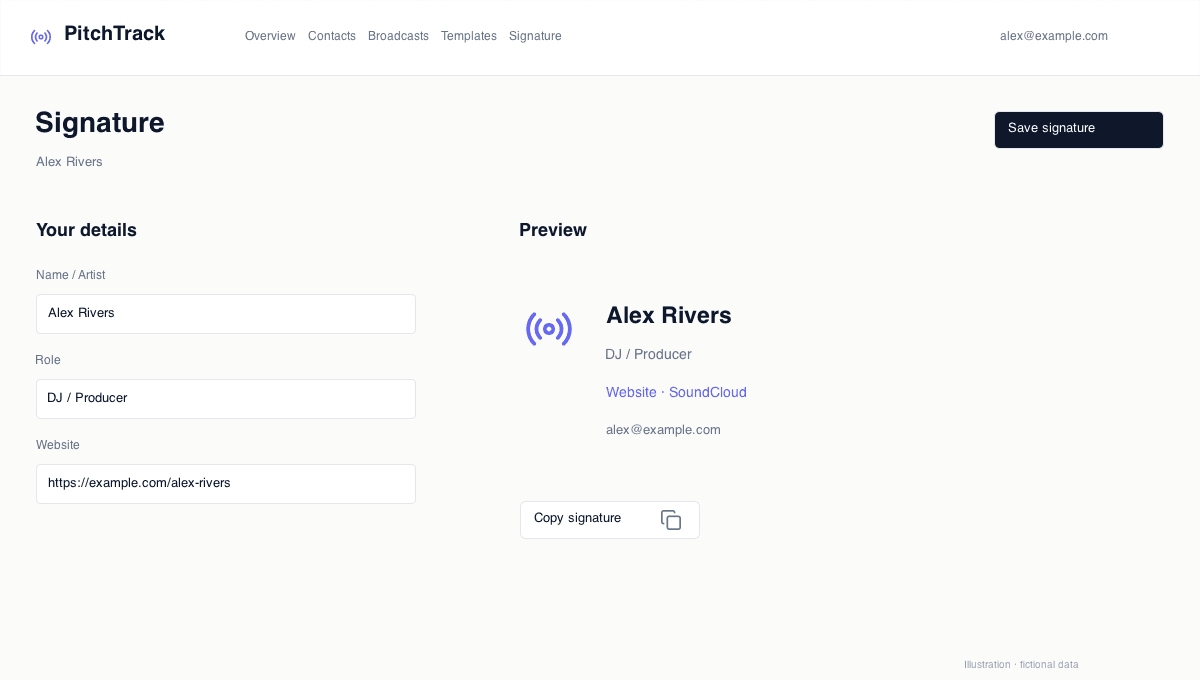
- Save signature in dashboard.
- Refresh Gmail and open a brand new draft.
- Check if latest signature appears automatically.
- If needed, manually copy and apply signature as fallback.
How to verify success
- New drafts show the latest signature version.
- Sent test email matches expected signature format.
- No old signature fragments remain.
Common mistakes / troubleshooting
- If old version persists, save again and hard refresh Gmail.
- If sync is inconsistent, sign out/in and retest.
- If duplicate signature appears, remove old Gmail native signatures.
What to do next
- Run full signature QA before major campaign sends.
- Document one standard sync process for your team.