Who this is for
- Users setting up a professional identity for outreach.
- Teams that want a consistent brand look across senders.
- Users replacing old signatures with broken links.
Before you start
- Gather current name, role, and best contact details.
- Choose one main link you want people to click.
- Prepare logo/headshot image if you plan to use one.
Step-by-step workflow
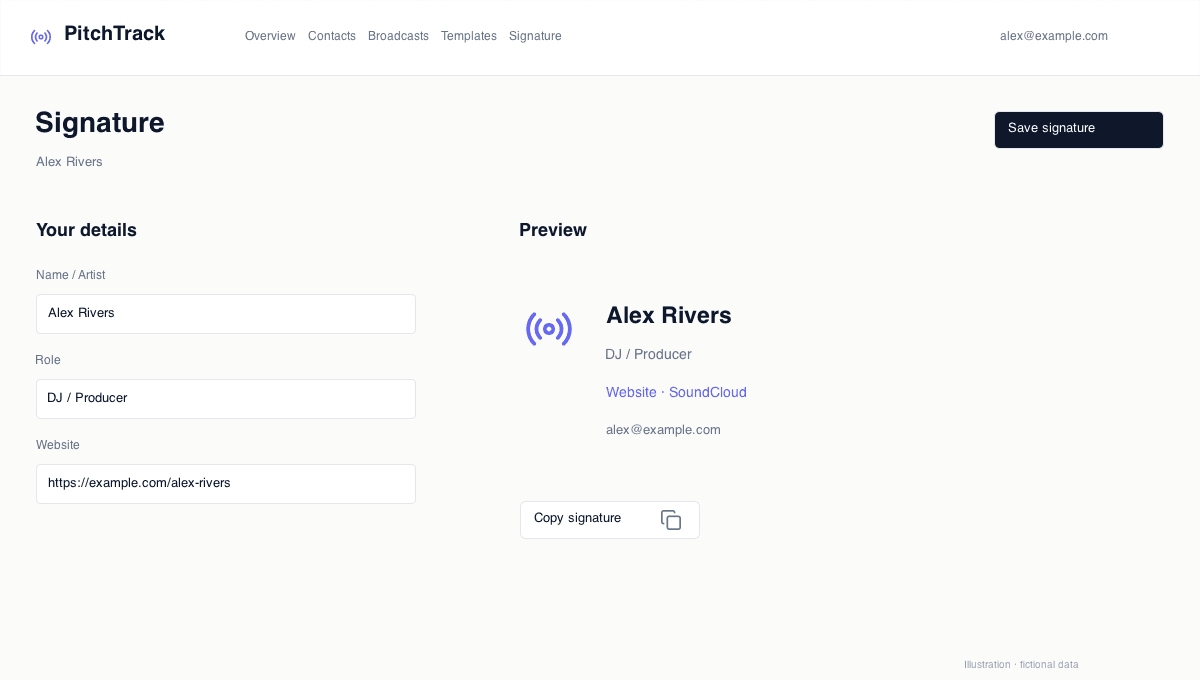
- Open Signature.
- Choose a template and fill identity details.
- Add links in priority order (most important first).
- Save and send a test email to yourself.
How to verify success
- Signature is easy to read and not overcrowded.
- Main link is clear and clickable.
- Contact details are correct and up to date.
Common mistakes / troubleshooting
- If layout looks crowded, remove low-value links.
- If image looks broken, resize and re-upload.
- If links fail, test each URL manually.
What to do next
- Sync signature to extension and test in compose.
- Run quality checks before using in campaigns.