PitchTrack/Help Center/Signature quality checks before live outreach
Back to Help Center
Signature and Branding

Signature quality checks before live outreach

Quick checks to avoid broken links and layout issues.

Who this is for

  • Users about to send real campaigns.
  • Teams that want to avoid broken signatures in client inboxes.
  • Managers reviewing quality before launch.

Before you start

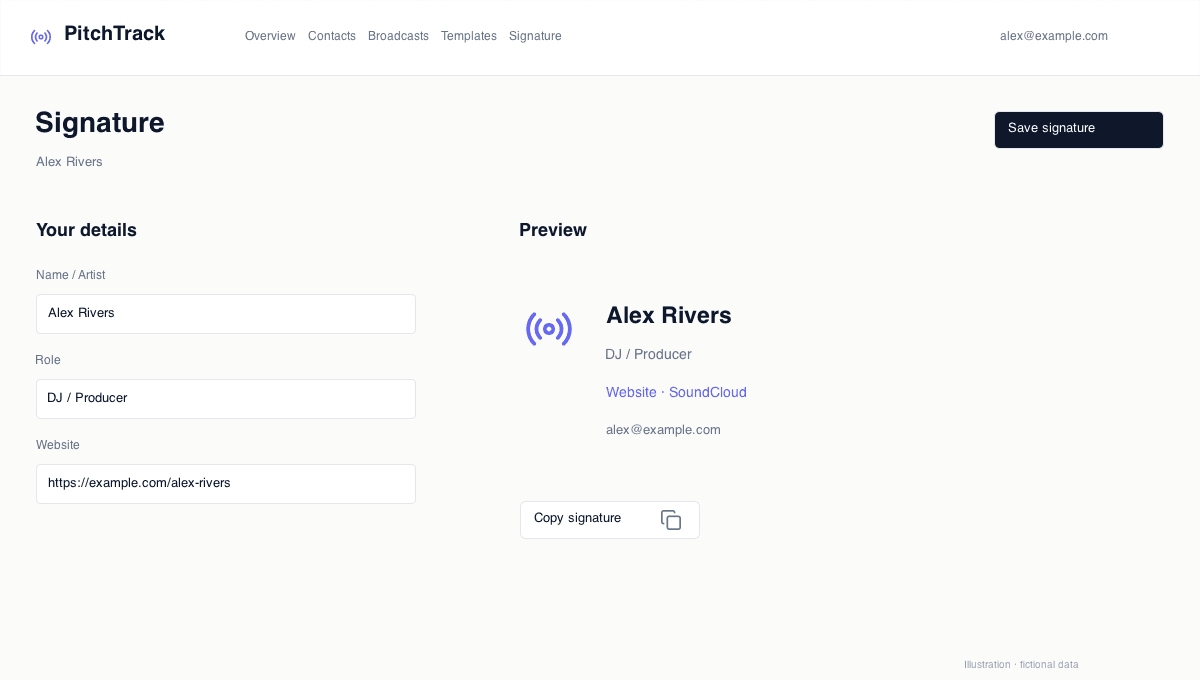
  • Have final signature version saved.
  • Prepare at least two test inboxes (desktop/mobile if possible).
  • List every link in your signature for testing.

Step-by-step workflow

  1. Send test email to yourself and one secondary inbox.
  2. Check readability, spacing, and image rendering.
  3. Click every signature link and confirm destination.
  4. Approve and freeze signature for campaign launch.

How to verify success

  • Signature looks clean on desktop and mobile.
  • No clipped text or broken image blocks.
  • All links work and point to the correct pages.

Common mistakes / troubleshooting

  • If spacing breaks, simplify formatting and test again.
  • If links are wrong, update immediately before launch.
  • If contrast is poor, adjust colors for readability.

What to do next

  • Include signature check in your campaign pre-send checklist.
  • Review signature quarterly so links stay current.