PitchTrack feature
Music outreach templates, ready when you are
Stop rewriting the same introduction and sign-off. Keep reusable messages close to your Gmail draft, with room for the detail that makes each pitch relevant.
Updated
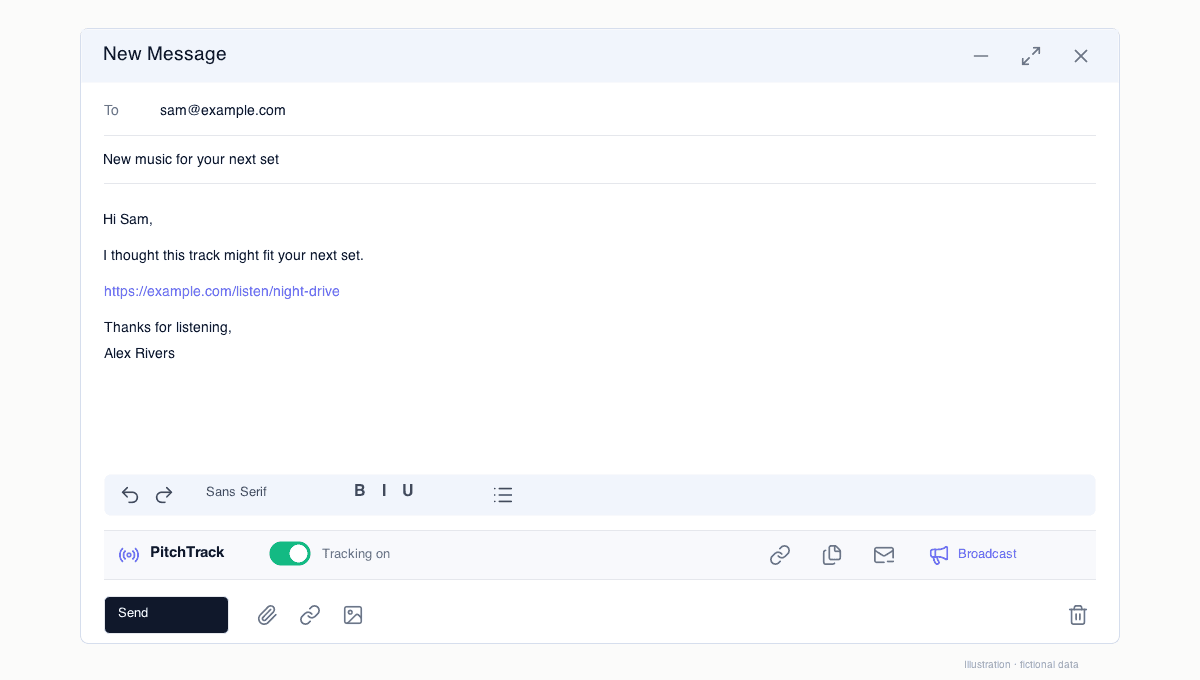
A starting point for the work you actually do
Use presets or save your own templates for label submissions, release promos, press, bookings and collaboration. Give each template a clear name so the next pitch starts with the right message.
Insert it where you write
Templates sit in the PitchTrack toolbar below Gmail formatting. Insert the saved text, update your listening link and add a specific reason for contacting this person.
Keep the reusable parts current
Review release information, availability and profile links when your plans change. For broadcasts, use supported tags to fill contact details and check the preview before sending.
Questions
Can I write my own templates?
Yes. Save your own subject and message in Templates and edit them when details change.
Where can I find example pitches?
The music outreach template guide includes fictional examples for label submissions, press and booking conversations.