PitchTrack feature
Keep your music contacts organised
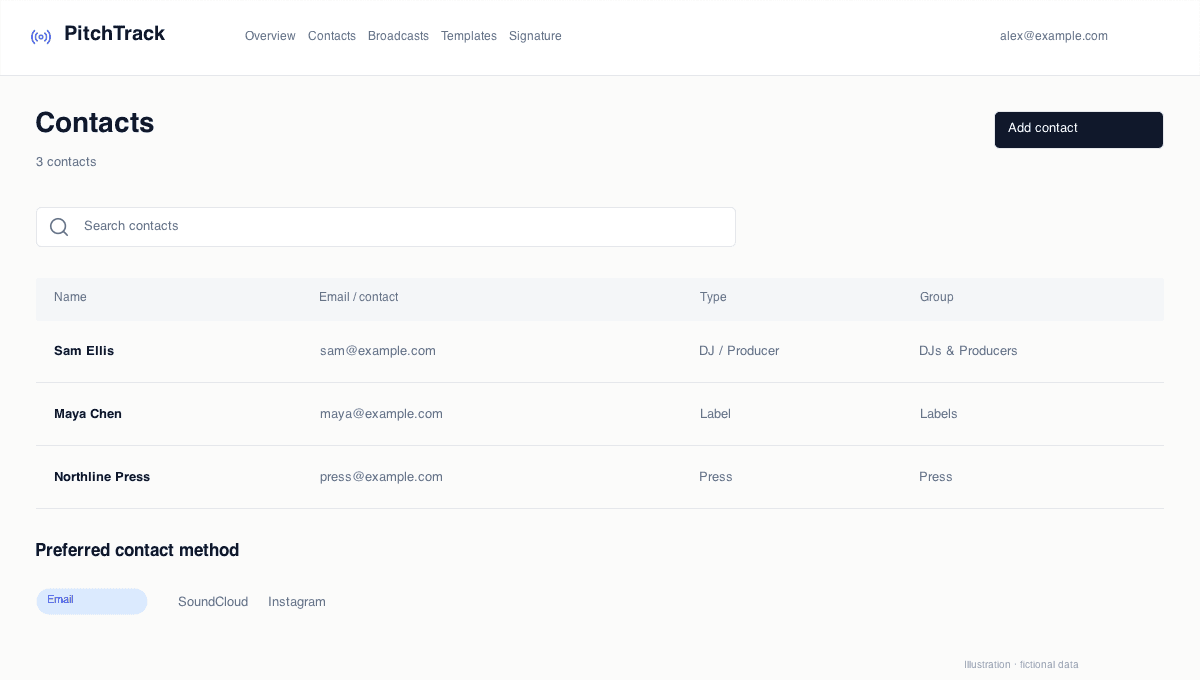
Keep the right people, their details and their preferred way to hear from you together. Your contact list does not have to stop at email addresses.
Updated
- Organisation
- Groups, genres and contact types
- Contact methods
- Email, Instagram and SoundCloud
- Preparation
- Personalised direct-message drafts
Remember the context that matters
Save useful notes, group contacts by the work you do together and keep their details current. Separate a release-promo audience from label submissions or booking conversations without building a new spreadsheet each time.
Keep someone even when they prefer a DM
Save their profile and preferred contact method, even if you do not have an email address. Direct Outreach prepares personalised Instagram and SoundCloud messages and, with the extension connected, fills the draft on their profile. Review it and click Send.
Use the list again on your next release
Import contacts, review duplicates and create reusable groups. Email-ready contacts can become a broadcast audience; direct-message contacts stay available for the channel they prefer.
Questions
Does every contact need an email address?
No. A profile link or another supported contact method can be enough. Contacts without an email address are not email-broadcast recipients.
Does PitchTrack send social messages automatically?
PitchTrack handles message preparation and draft filling with the connected extension. You check the draft and press Send on Instagram or SoundCloud.