PitchTrack feature
A music email signature that stays on brand
Give your emails a clear identity, with the details and links people need. Build a signature that fits your music, business or team.
Updated
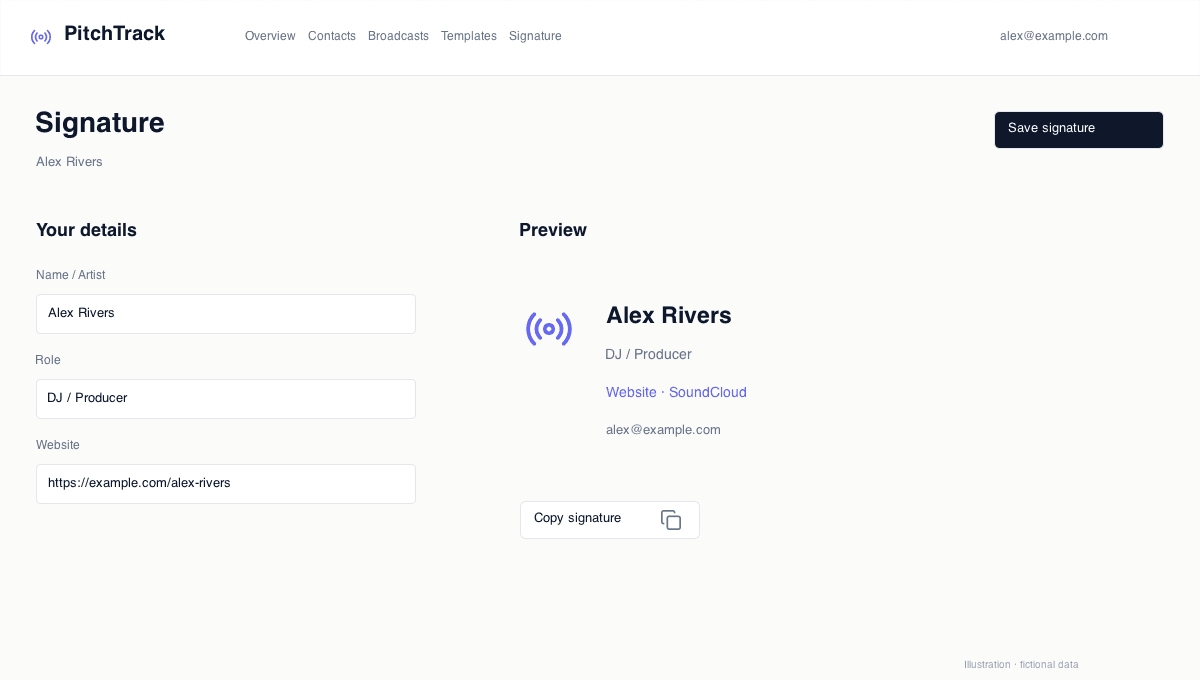
Put the useful details together
Choose the fields that matter: name, role, website, profiles and release information. Keep the signature focused so your pitch remains the main message.
Choose a layout, not a block of code
Edit your details in the signature builder and check the desktop and mobile previews. Update an old profile or release link in one place rather than recreating your signature from scratch.
Use it in your Gmail workflow
Save your signature for PitchTrack, or copy it into Gmail signature settings. Test a new message before using it in a larger send; email apps can display images and colours differently.
Questions
Does editing my signature change old emails?
No. Previously sent messages stay as they were. Check any older draft before sending it.