Keep the essentials
Use your name or artist name, a useful role, and a small set of current links. A signature should help someone understand who is contacting them, not compete with the message.
Remove old release dates, broken profiles, and details that no longer describe you.
Build and save in PitchTrack
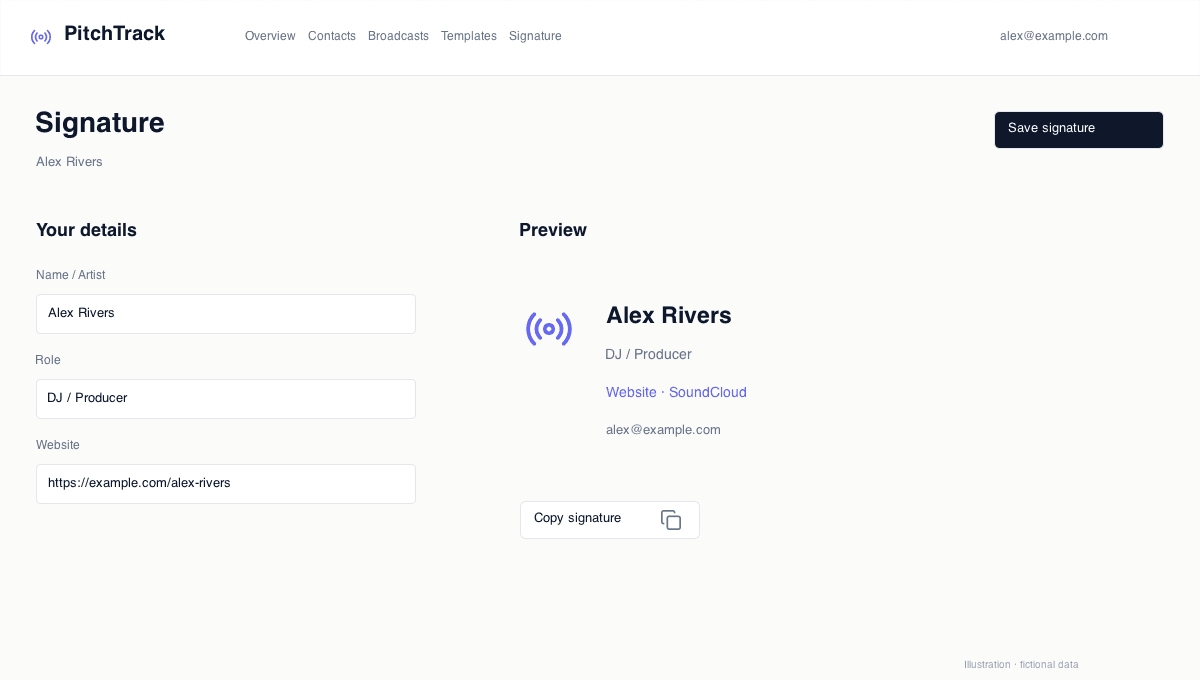
Open Signature, choose a layout, and edit the visible fields. Check the desktop and mobile previews, then Save signature.
Use Copy signature if you want to paste it into Gmail’s own signature settings. Open a new draft afterwards and check that you have not inserted two signatures.
Check another inbox
Send a test to a separate inbox and check every link. Some email apps block images or transform colours in dark mode, so a dashboard preview cannot promise an identical result everywhere.
- Check name and role.
- Try website and listening links.
- Look for duplicate signatures and awkward line breaks.
Keep the message in charge
Use the main body for your request and listening link. Leave the signature for identity and supporting context.
Updating a saved signature does not change messages you already sent. Check older drafts before using them again.
An example of a focused signature
For a fictional artist called Alex Rivers, a short signature might contain the name, “Artist / live electronic set”, a website and one current listening link. Press information can be a supporting link when it is useful for that audience.
For a management or label contact, replace the artist-specific fields with the business name, role and relevant contact route. The builder is useful beyond performers; choose the details that help this recipient understand your message.
Open the step-by-step guide
Step-by-step setup and troubleshooting guides.
Prepare your next pitch
Keep your contacts, templates and outreach together in PitchTrack.