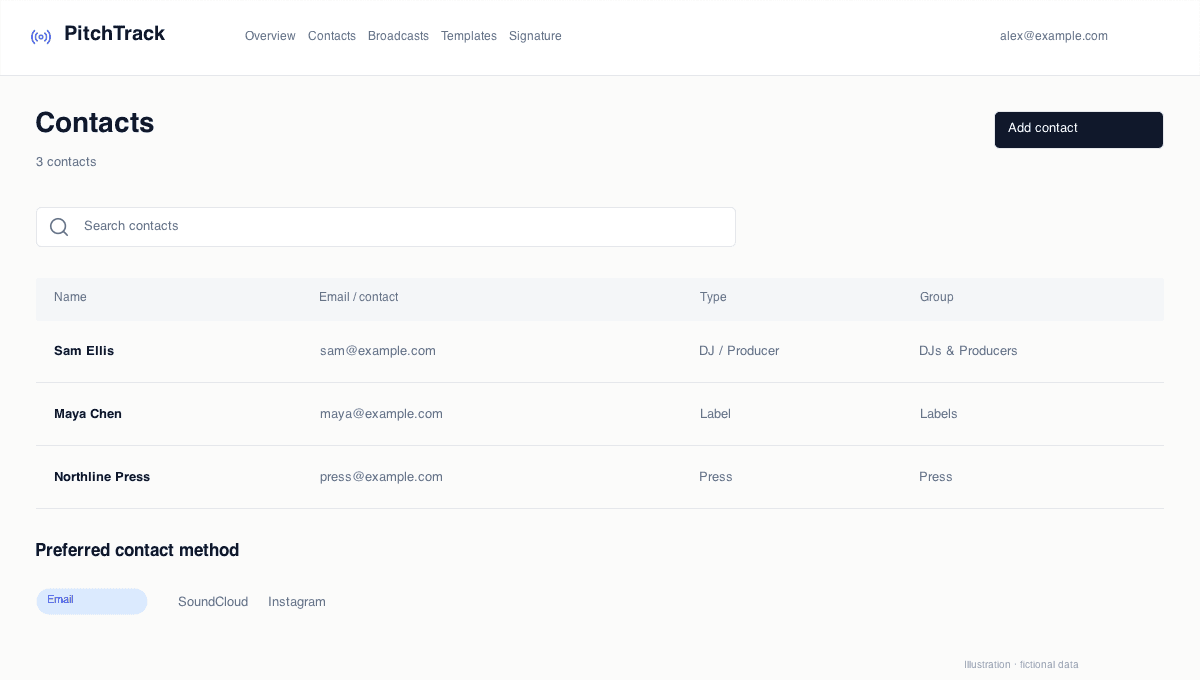
A contact is a relationship, not a required email field
A useful contact might be a label that uses a submission form, a radio presenter who asks for email, or someone who prefers a short SoundCloud message. Storing only email-ready people loses that context.
Keep the channel they actually ask you to use. Their profile, role and a short note can be more useful than an email address copied from an old spreadsheet.
A fictional release campaign
Imagine Alex is preparing a new release. The press group has email contacts; a separate promo group includes someone who requests SoundCloud messages. Another contact only accepts submissions through a website.
Alex keeps all three in Contacts, but does not put everyone into the same broadcast. The email audience receives a tailored press message. Direct Outreach prepares a shorter social draft. The website contact stays on the list with a note about its submission route.
Let the channel change the message
The press contact may need a release date, artwork and a clear coverage request. A social message can lead with one relevant sentence and a listening link. A form may ask for its own fields.
Use the same release information as a starting point, not the same paragraph everywhere. PitchTrack prepares personalised Instagram and SoundCloud drafts with the connected extension; you check them and press Send.
Keep the next release easier to prepare
Save the preferred contact method and maintain the details when someone changes role or profile. Use notes for context you can act on, rather than guessing how interested someone is from an email event.
- Review profiles and listening access before sending.
- Remove stale contact details rather than adding another duplicate row.
- Keep unsubscribes and other stated preferences intact.
Open the step-by-step guide
Step-by-step setup and troubleshooting guides.
Prepare your next pitch
Keep your contacts, templates and outreach together in PitchTrack.