PitchTrack outreach guide
Plan a personalised music broadcast
A group send works best when the audience shares a reason to receive it. Plan the message and contact details before opening the broadcast controls.
By PitchTrack team · Updated
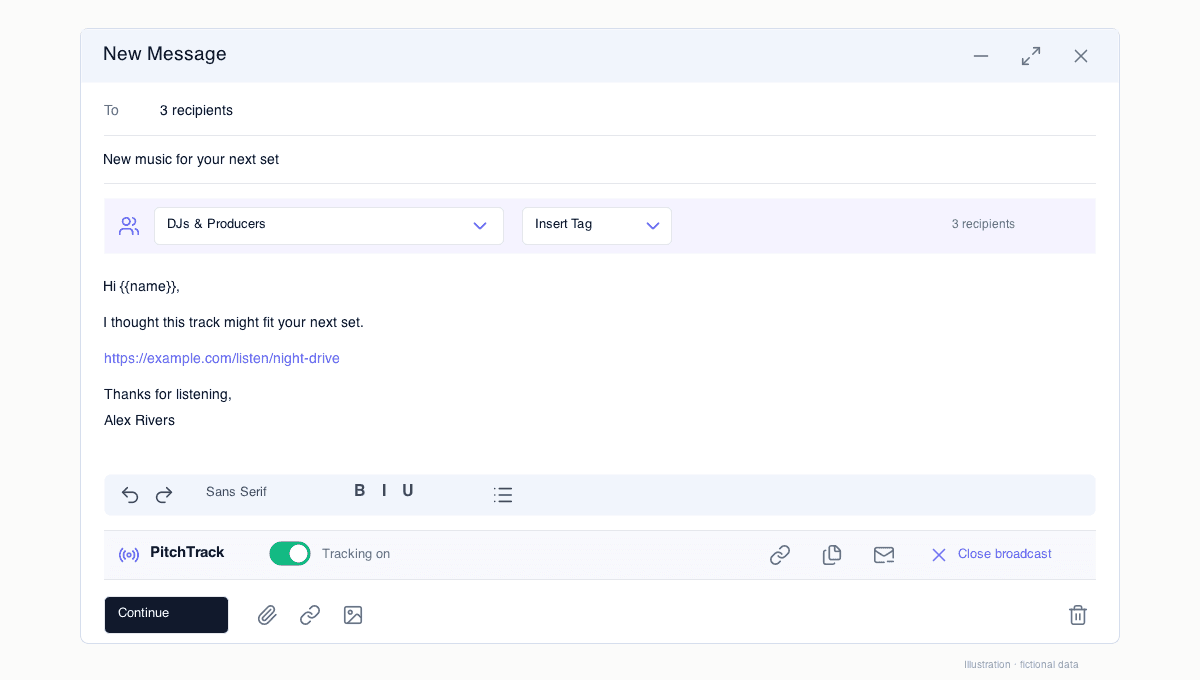
Choose the audience by purpose
A release promo, a press announcement and a booking update are different messages. Keep separate groups rather than treating your entire address book as one audience. Check preferred contact methods and unsubscribe status.
Check the data you want to personalise
Review names and other supported fields before using tags. If you cannot trust a field, use wording that reads naturally without it. Avoid putting an imported name into the subject until you have checked a personalised example.
Test the actual message
Send a small test to a separate inbox you control. Check the subject, link access, signature and mobile layout. A test of the design is different from a test of whether an open is recorded.
Confirm the details once
Review the selected audience and recipient count in the broadcast flow. Choose the sending settings for your account. An unsubscribe link is a manual toolbar action, and its absence does not block the broadcast; decide what your message needs before confirmation.
Review results at the right level
Use the broadcast list for an overview and open a broadcast for recipient-level status and link activity. Check sent recipients before retrying a failed or interrupted send. Sending pace does not override Google limits or guarantee inbox placement.