PitchTrack outreach guide
Why an email may not show tracking activity
A missing open is not always a broken connection. Separate setup issues from messages that simply have no recorded activity.
By PitchTrack team · Updated
Start with the account and message
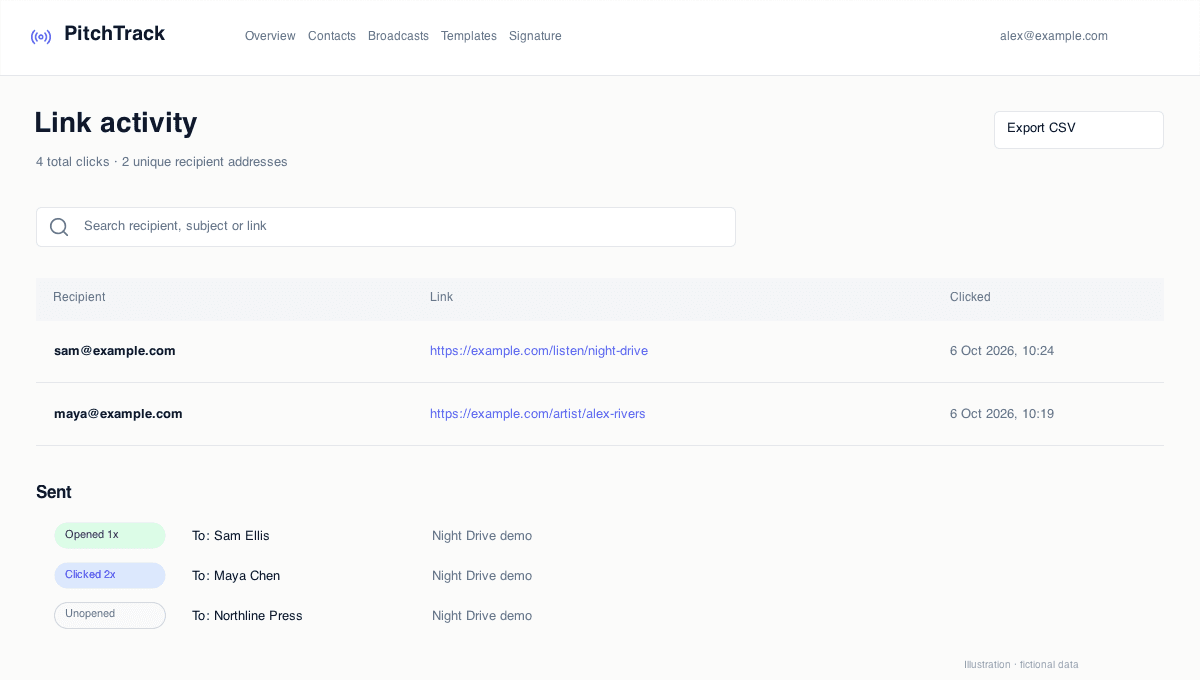
Confirm that Gmail is using the account connected to PitchTrack. In Sent, look at the exact message you sent, not an unrelated reply in the same thread. If PitchTrack was disconnected, use the connection prompt before your next send.
Separate Unopened from Untracked
Unopened means no open has been recorded for a tracked message. Untracked means PitchTrack has no matching tracking record. Tracking cannot be added retrospectively to an email that has already left Gmail.
Check what was enabled at send time
Review the compose switch, recipient preferences and plan. Eligible Pro sends support automatic website-link tracking; an ordinary URL in an untracked email will not acquire a click history later.
Test without changing the original pitch
Use a new short test to a different inbox you control. Do not resend the original music pitch just to create a tracking event. Email apps can block or preload images, so a successful send can still have no reliable open record.