Sending and tracking are separate choices
Permission to send an email is not automatically permission to track it. Consider the audience, location, and rules that apply to your message. PitchTrack settings do not establish a legal basis for you.
The UK Information Commissioner explains that rules covering marketing email and rules covering tracking technologies are separate. Get appropriate advice for your situation rather than relying on a product toggle.
Keep records you can explain
Store useful contact details, their preferences, and any evidence supporting tracking choices. Avoid keeping personal information merely because it might be useful one day.
Respect withdrawals. Deleting and re-importing a contact should not be used to undo an unsubscribe.
Know what disconnection does
Removing PitchTrack in your Google third-party connections stops that Google access. It does not delete stored PitchTrack contacts, templates, or reports.
The Google connection requests sending access. The Gmail extension separately works with the page you are using to provide compose and tracking features.
Handle data requests carefully
Settings offers selected account records and a deletion-request process. A request is reviewed rather than instantly erasing every provider record and backup.
Contact support if you need a fuller copy, correction, or deletion help. Verify ownership before sharing someone’s information. This article is practical guidance, not legal advice.
Review the records you actually need
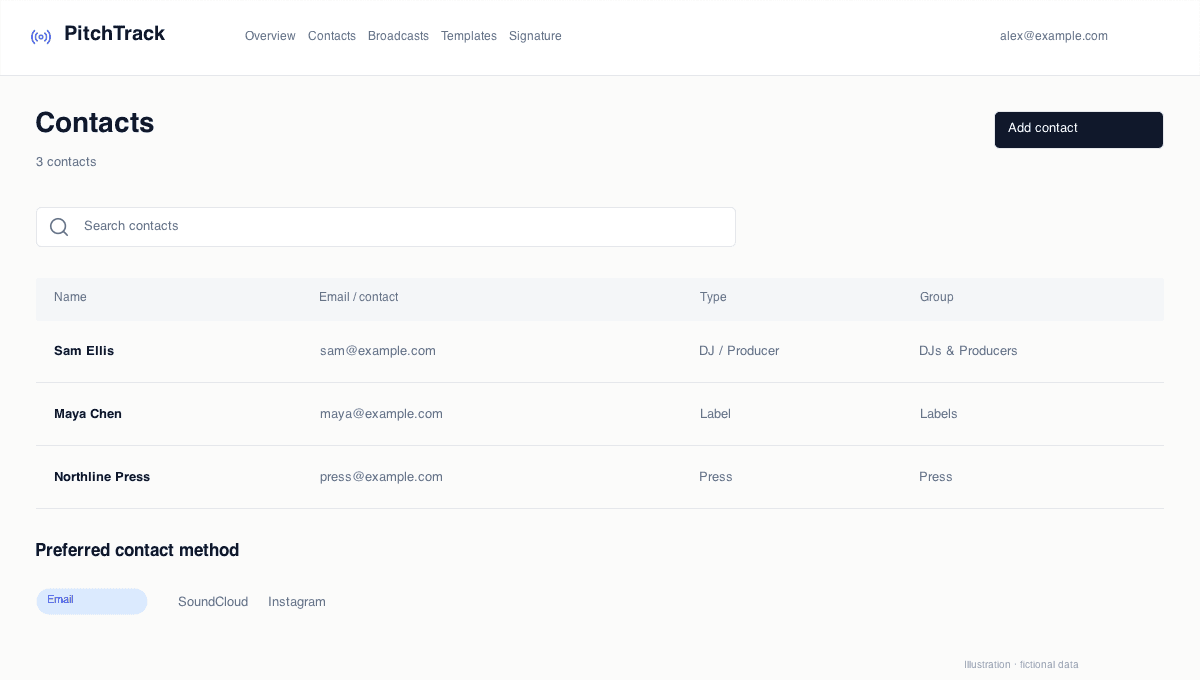
A contact note such as “prefers SoundCloud submissions” helps you choose a channel. Keeping unrelated personal details does not help prepare a pitch. Review old imports and remove information you no longer need.
Use Privacy and Security and account settings to understand the available controls. For a support request, describe the record and action you need without sending passwords or sign-in codes.
Open the step-by-step guide
Step-by-step setup and troubleshooting guides.
Prepare your next pitch
Keep your contacts, templates and outreach together in PitchTrack.