Start with the person, not the list
A DJ looking for set material needs something different from a label considering a release. Check what the person accepts, where they want to receive it, and whether your track fits.
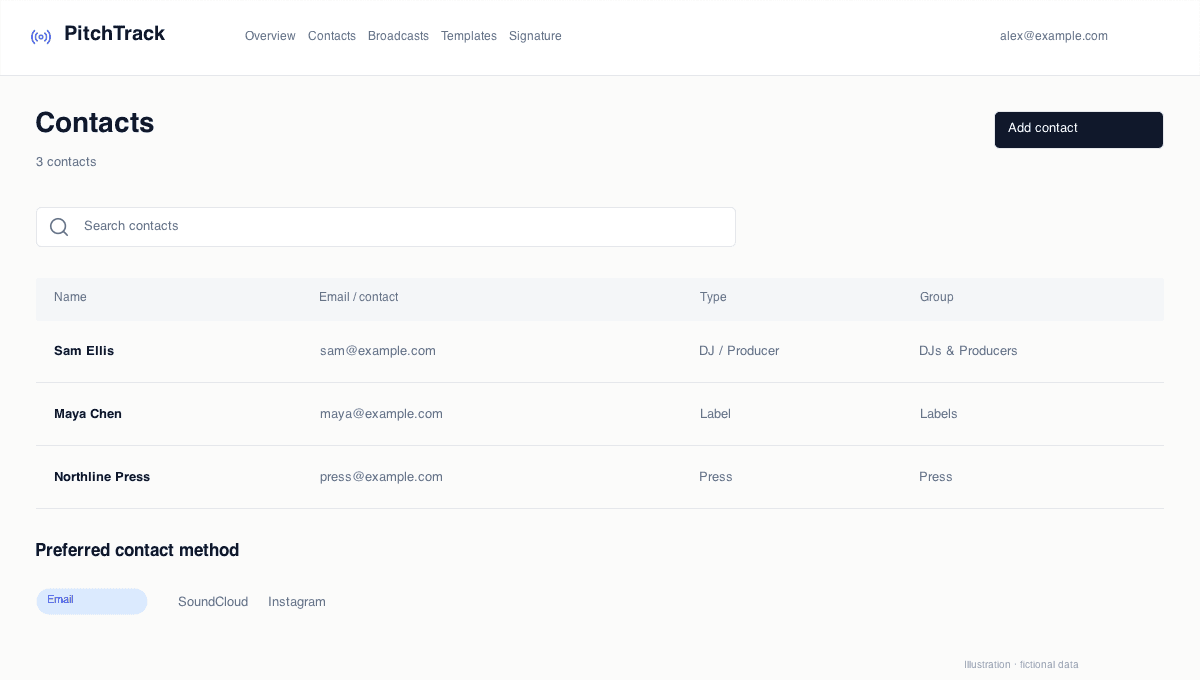
In Contacts, save the preferred contact method and a useful note. A direct-message contact is not automatically an email-broadcast recipient.
Make one clear request
Use a specific subject, a short introduction, and one listening link. Say why the music is relevant to them. Avoid several competing requests in the first email.
- Check that the listening link works without your own login.
- Keep your signature current.
- Review any reused template before sending.
Test the workflow, not just the wording
Send a test to a separate inbox you control. Your own views may be excluded from tracking, so opening the sent copy is not a useful open test.
Check the layout and links. Tracking is helpful context, but background image loads and email safety checks mean an open or click is not proof of interest.
Give follow-ups a reason
Check Gmail for replies before following up. Do not tell someone you know they read your pitch based on a tracking label. Give them time, add something relevant, and stop when they ask you to.
A fictional first-pitch example
For a press contact, Alex could use “Alex Rivers - Night Drive, out 20 November” as a subject. The message introduces the release, explains why it fits the publication and links to listening and press information.
For a booking contact, the subject and request should change: “Alex Rivers - spring live dates” makes the purpose clearer. Include a live clip and availability rather than assuming a release-promo email is useful to a booker.
- Choose one request the recipient can answer.
- Use a subject that describes the actual message.
- Keep any follow-up optional and relevant.
Open the step-by-step guide
Step-by-step setup and troubleshooting guides.
Prepare your next pitch
Keep your contacts, templates and outreach together in PitchTrack.